
 My University
Class Routine
See your weekly timetable, with labs clearly marked. Your CR checks for clashes before publishing changes.
THE EVERYDAY ESSENTIALS
Less hunting through chats. More time for the work that matters.
Available nowWHAT IT IS
Academic is the home of your semester. Your weekly routine, today’s timeline, your courses and teachers, class notices and course resources sit together, so you stop scrolling back through chats to find them.
Your CR keeps the section’s routine current. Every new routine is clash-checked before anyone sees it, and the whole section sees it, not only the CR.
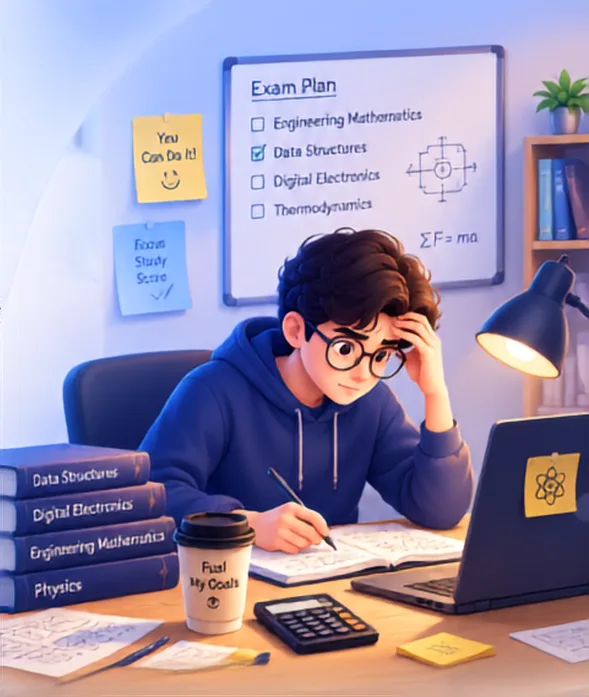
YOU KNOW THE MOMENT.
Keep the current routine, class notices and course files together.
A CLASH CHECK BEFORE PUBLISHING / EXAMPLE
The CR reviews clashes and changes before the routine reaches the section.
THE TOOLS, ONE BY ONE
Every capability has its own release status. Planned tools stay clearly marked.
See your weekly timetable, with labs clearly marked. Your CR checks for clashes before publishing changes.
Open the app and see today’s classes and labs as a simple timeline.
Courses, teachers, upcoming exams, notices and resources, together in one place.
Class notices arrive as push notifications, so important changes reach your phone.
Find notes by department, semester and section. Download once and keep them offline.
Get class updates, CR announcements and print alerts on your phone.
The app shows you around when you first open it.
A weekly planning view is on the roadmap.
An on-device study assistant is planned.
A SIMPLE FLOW
The dashboard has four tabs: Overview, Notices, Weekly and Resources. Your courses, teachers and upcoming exams are in Overview.
Today at University shows today’s classes and labs as a timeline the moment you open the app. Labs stand out with a purple-to-cyan highlight.
Resources are organised by department, semester and section. Download once and keep them offline; recent downloads stay one tap away.
A SMALL DIFFERENCE
QUESTIONS PEOPLE ASK
Your CR uploads a spreadsheet or types the routine, checks clashes and reviews changes before publishing.
Your CR publishes the section's routine. Let your CR know if it is missing, and share the CR page to introduce the available routine, notice and file tools.
Yes. Download resources once in the app and keep them offline. This does not mean every app feature works offline.
Labs stand out in the routine with a purple-to-cyan highlight. Today's classes and labs also appear in the home timeline.
Resources are organised by department, semester and section. Download once to keep notes offline; recent downloads remain easy to find.
CR announcements arrive as push notifications. The app also sends class updates and print alerts.
Keep the everyday things together. Make room for what’s next.
Android & web · iPhone? Open the web app in Safari.
 On a laptop?