MY UNIVERSITY LAB

Practise in the virtual labs.

Build circuits on a bench with real apparatus and see every instrument respond. The labs open in Lite mode so they run smoothly on any laptop; switch to Balanced or Detailed any time.

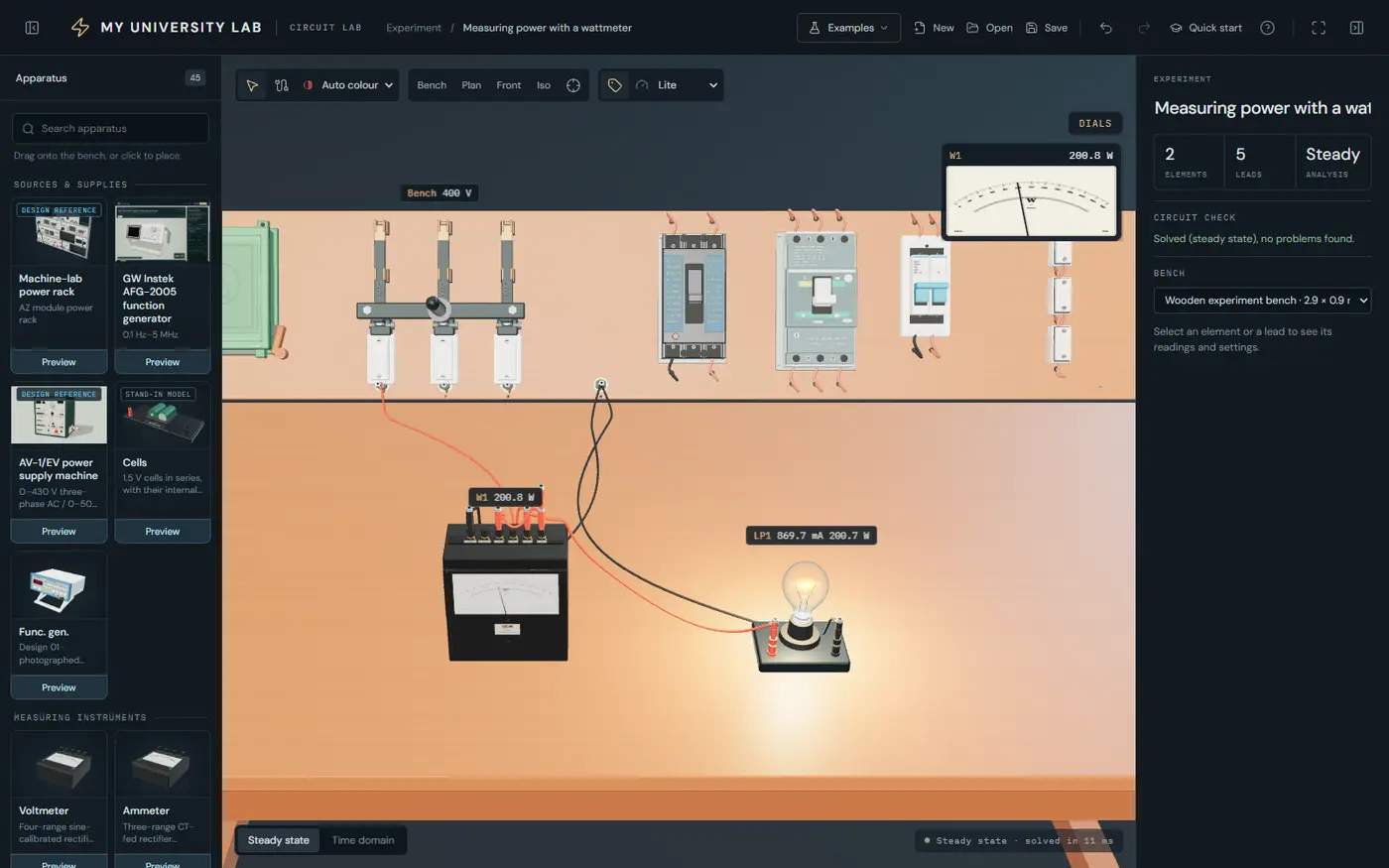
The Circuit Lab: a lamp lit through a wattmeter on the bench’s 400 V supply, with the wattmeter’s dial reading 200.8 W
Example: measuring power with a wattmeter

MACHINES · MEASUREMENT · POWER

Circuit Lab

Place real laboratory apparatus on a bench, connect it with leads, and watch a circuit solver drive every meter, supply and machine.

  • Real apparatus: supplies, rheostats, meters and machine-lab racks, modelled on the equipment in a university lab
  • Live readings: analogue dials and digital readouts update the moment you change a value
  • Circuit check: the lab tells you when the circuit is solved, or what is wrong with it
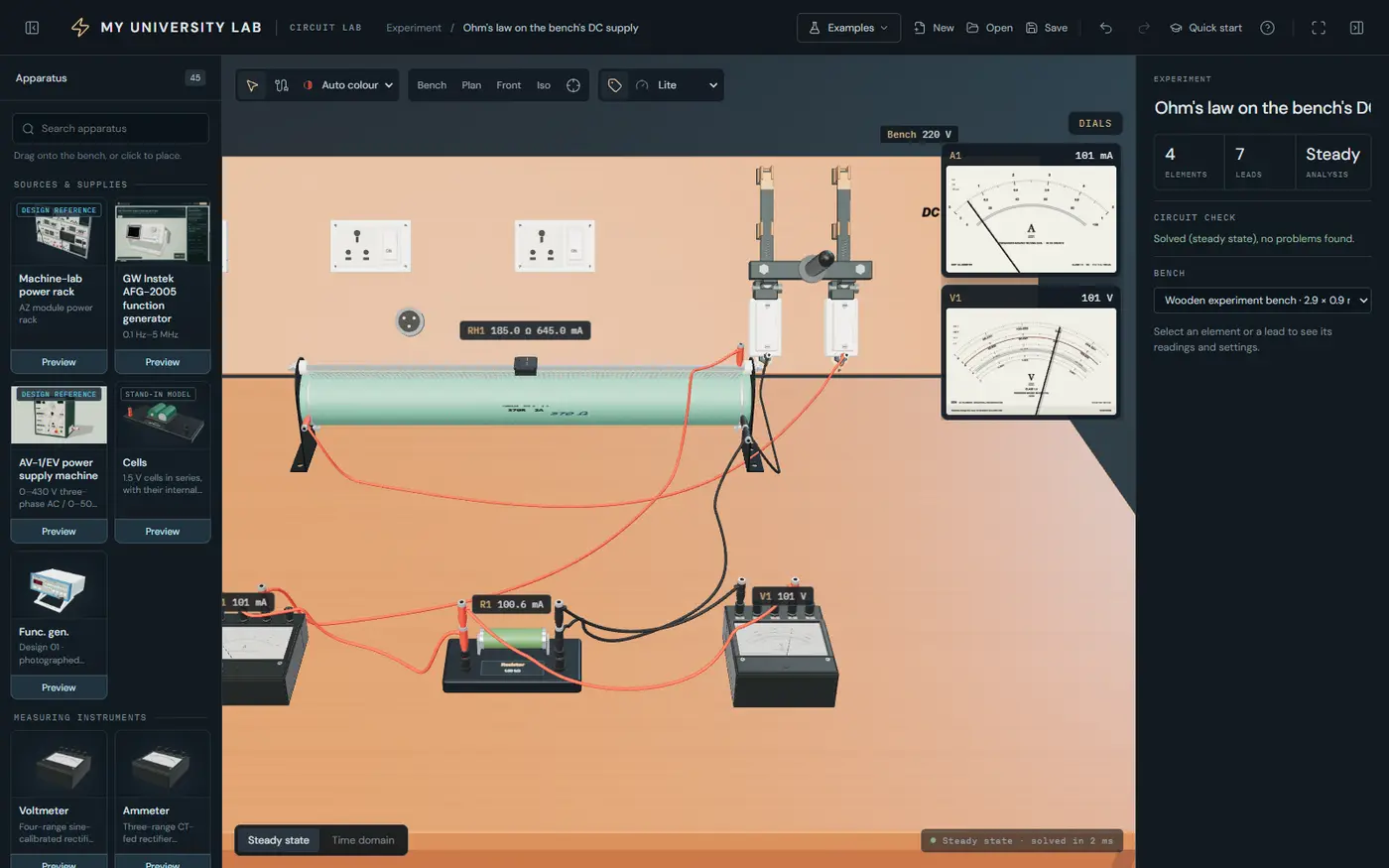
Log in to open
The Circuit Lab: a rheostat, a resistor, an ammeter and a voltmeter wired on a wooden bench, with large analogue dials reading 101 mA and 101 V
Example: Ohm’s law on the bench’s DC supply

BREADBOARD · POWER DEVICES · SIGNALS

Electronics Lab

Diodes, SCRs, TRIACs, MOSFETs, IGBTs and the 555 timer on a breadboard, with a function generator and an oscilloscope.

  • Breadboard and devices: wire components the way you would on the lab table
  • Time domain: run the circuit in time and watch waveforms on a working oscilloscope
  • Ready-made examples: open one from the Examples menu and change it to see what happens
Log in to open
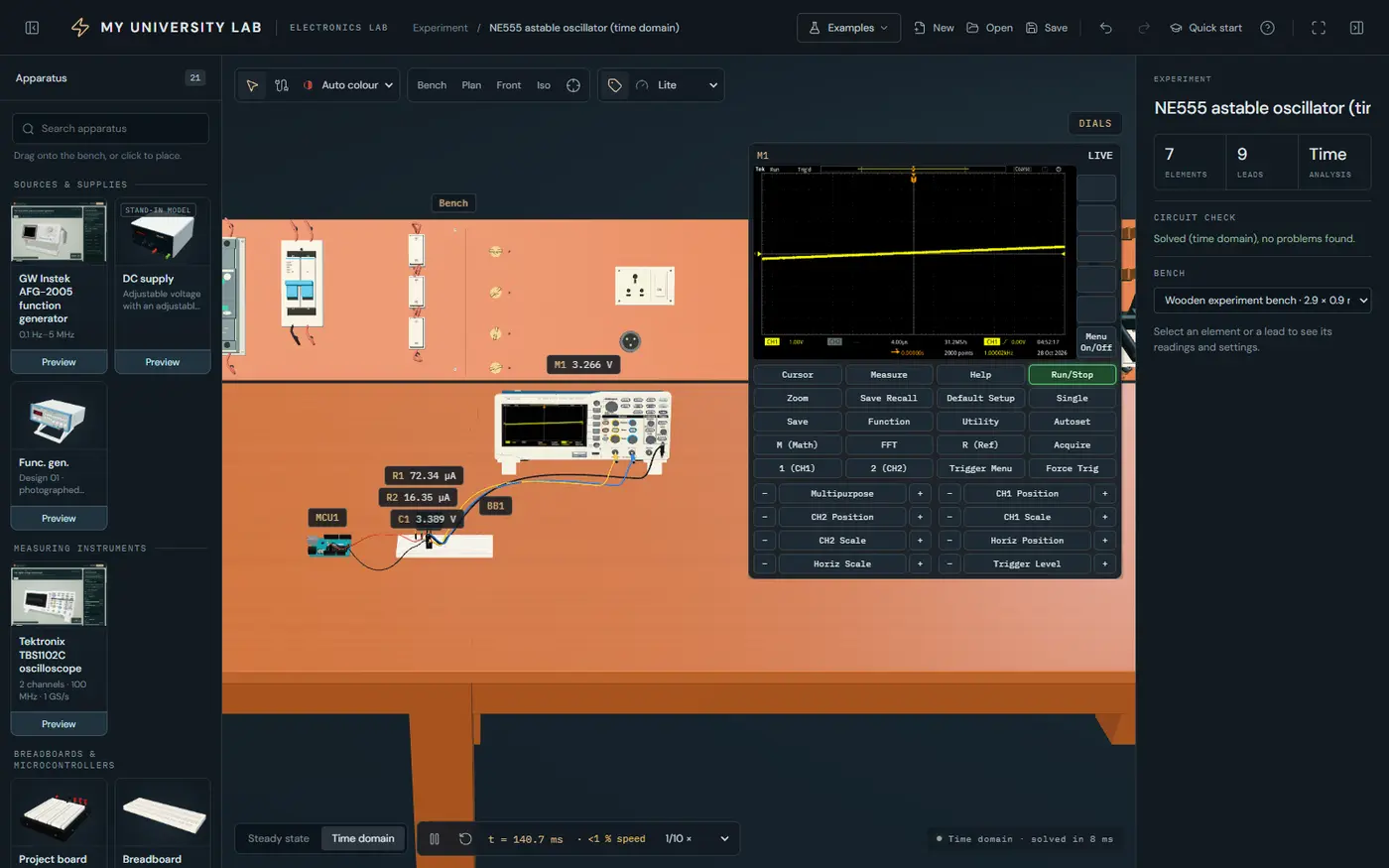
The Electronics Lab: a 555 timer circuit on a breadboard connected to an oscilloscope, whose screen and full control panel are open beside the bench
Example: a 555 astable oscillator on the oscilloscope

YOUR FIRST EXPERIMENT

Three steps to a working circuit.

A quick-start guide opens inside each lab the first time, and stays one click away.

  1. Log in or sign upUse your My University account, or create one free in a minute. The labs remember you on this device.
  2. Open an example, or start freshLoad a ready-made experiment, or drag a supply, a load and a meter onto the bench.
  3. Wire it and read itPress a terminal and drag a lead to another. Turn knobs or type values; the meters answer at once.

The labs use your My University account, the same one as the app. New here? Create an account on this website.

NO LOGIN NEEDED

Explore engineering in 3D.

Before the bench: fly through the systems engineers build, and pick the branch that feels like yours.

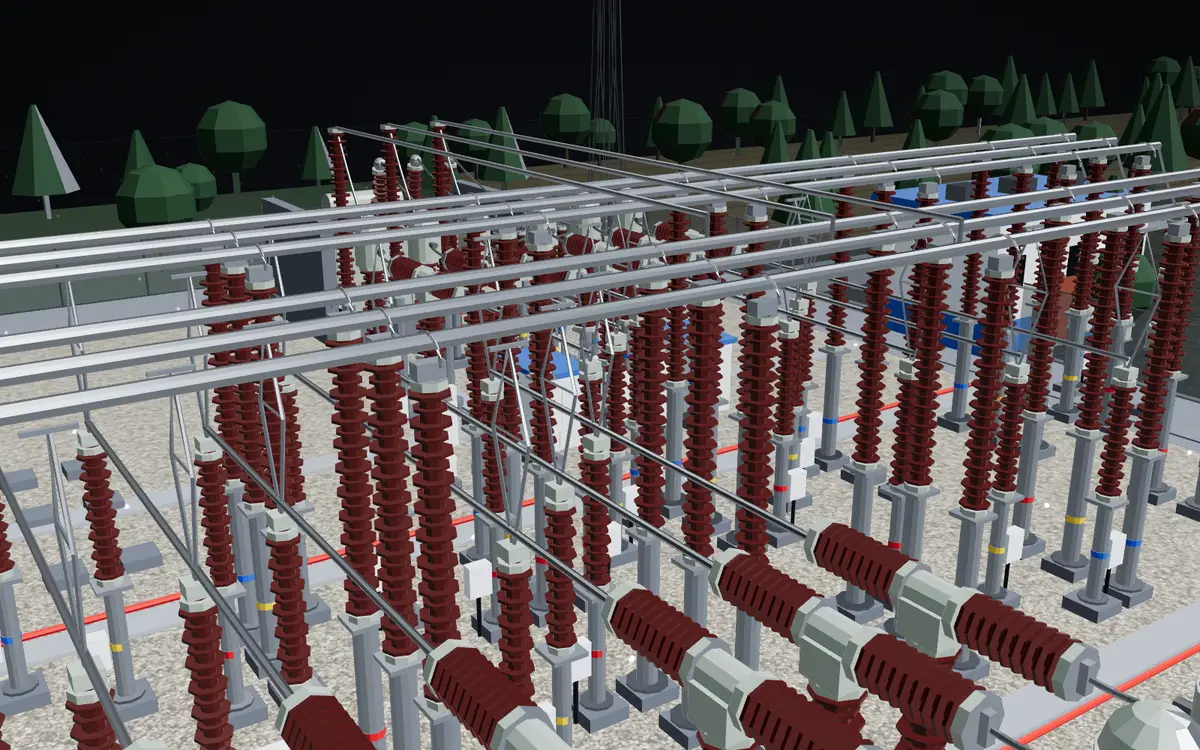
  • A 3D model of a 400 kV switchyard: rows of insulators, breakers and busbars3D TOUR
    The 3D tourA power system, a jet engine, a river bridge and a data hall, with every part explained.Start the tour
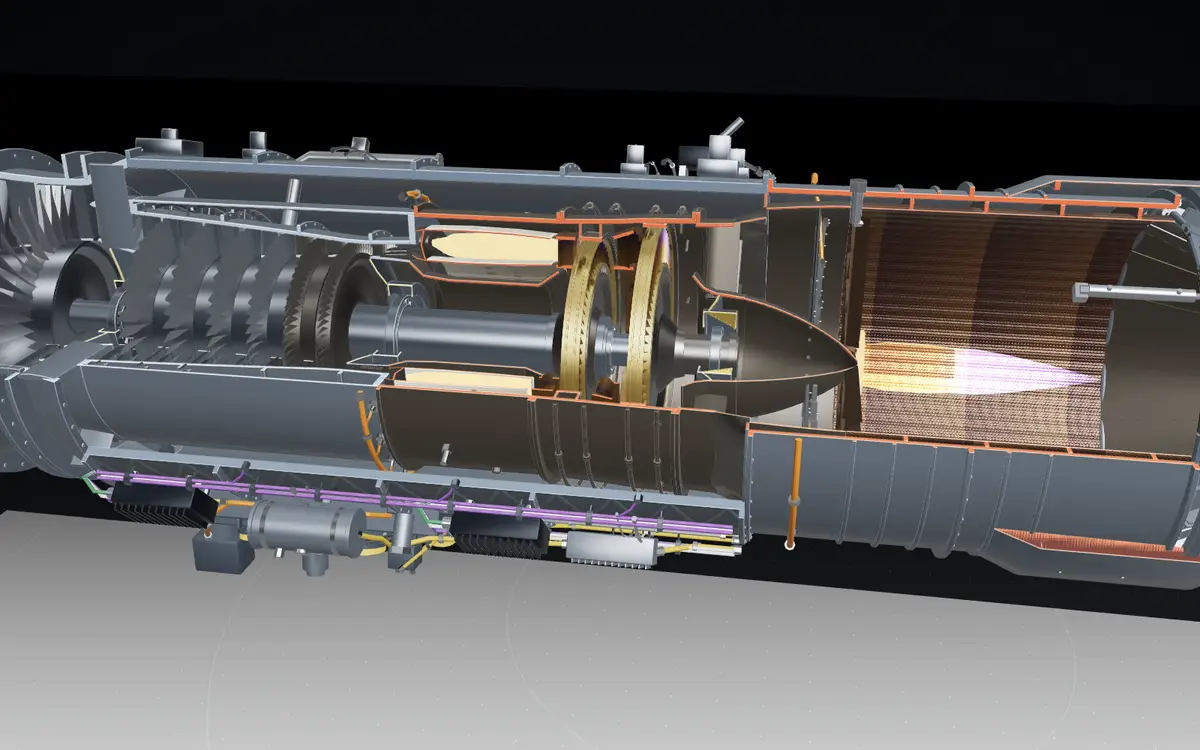
  • A 3D cutaway of an afterburning jet engine showing the fan, compressor, turbines and the flameYOUR BRANCH
    Your branch, in 3DWatch all four models play, then choose your branch to theme the whole website.Pick your branch